

Time tracking that
runs itself
Capture every minute automatically. No timers, no guesswork — just accurate timesheets your team actually trusts.
Powerful Interface
Every second,
captured with precision
Our tracker runs silently in the background — logging hours, apps, and productivity without a single click from your team.
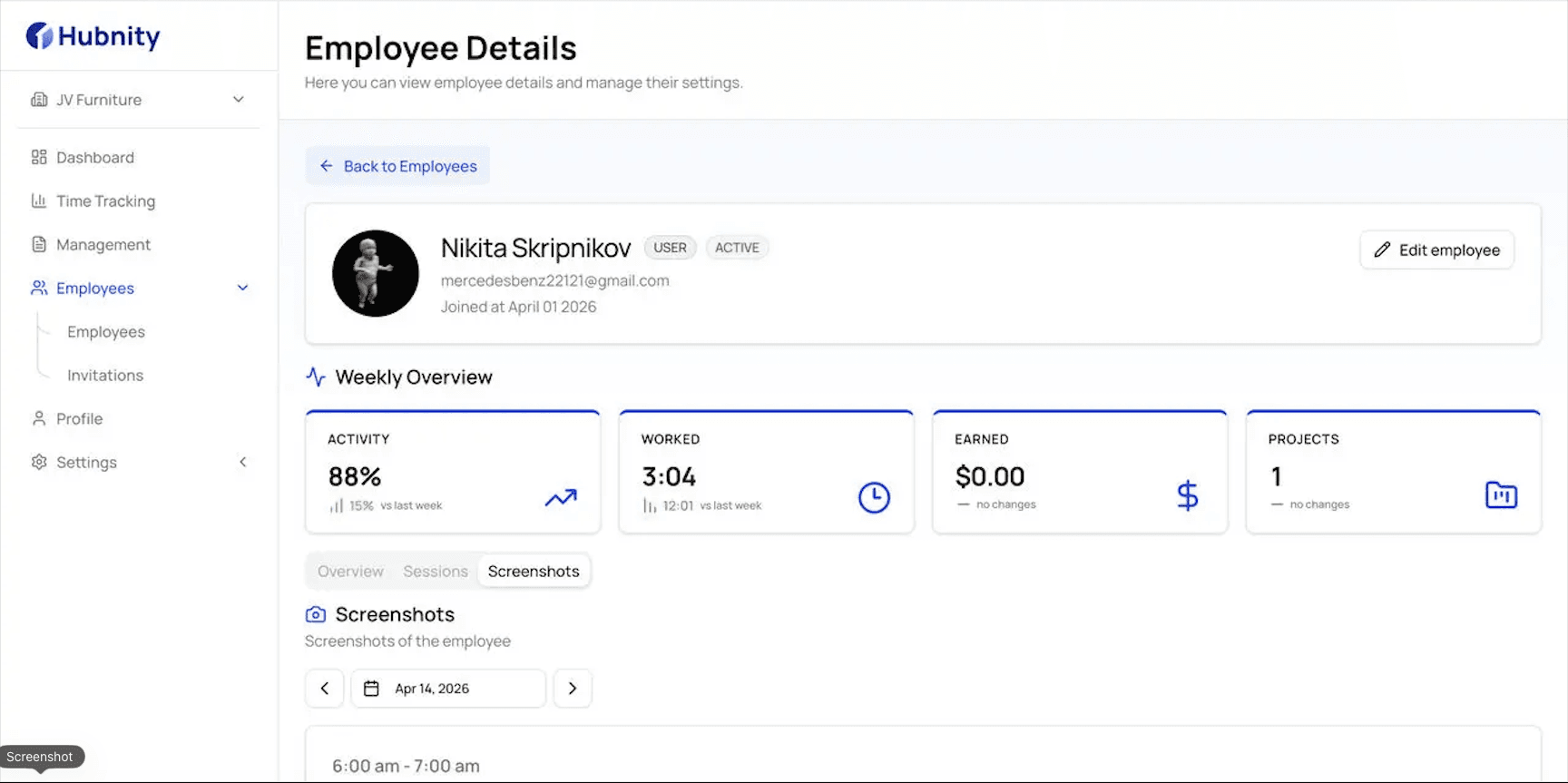
Silent Background Tracking
Captures every billable second without interrupting your workflow. Runs in the background with zero impact on performance.
Silent Background Tracking
Captures every billable second without interrupting your workflow. Runs in the background with zero impact on performance.
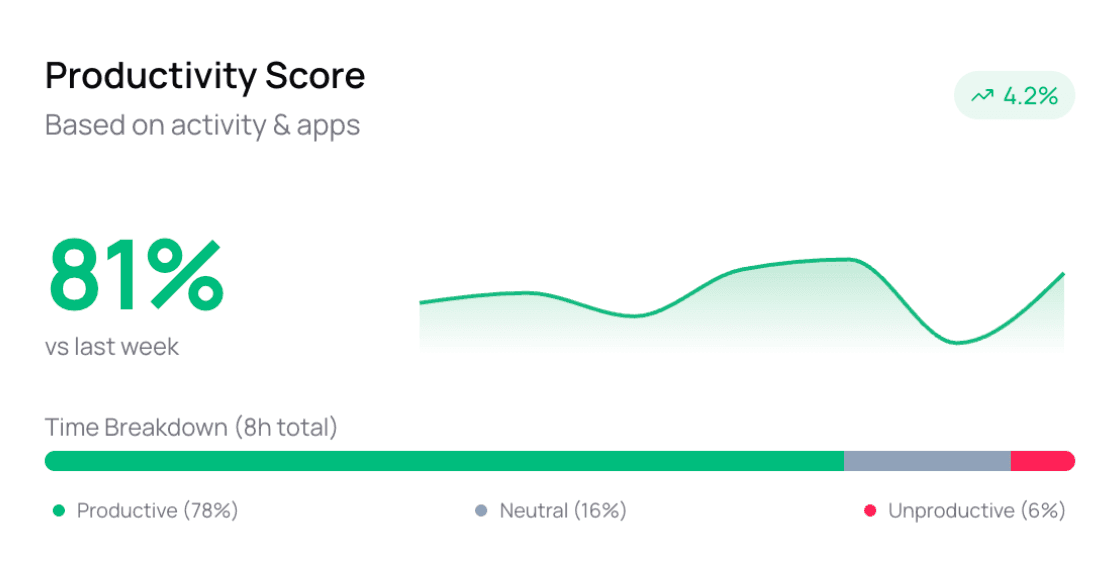
Productivity Insights
Deep dive into your team's focus time, meeting overhead, and context switching patterns with AI-driven scores.
Productivity Insights
Deep dive into your team's focus time, meeting overhead, and context switching patterns with AI-driven scores.
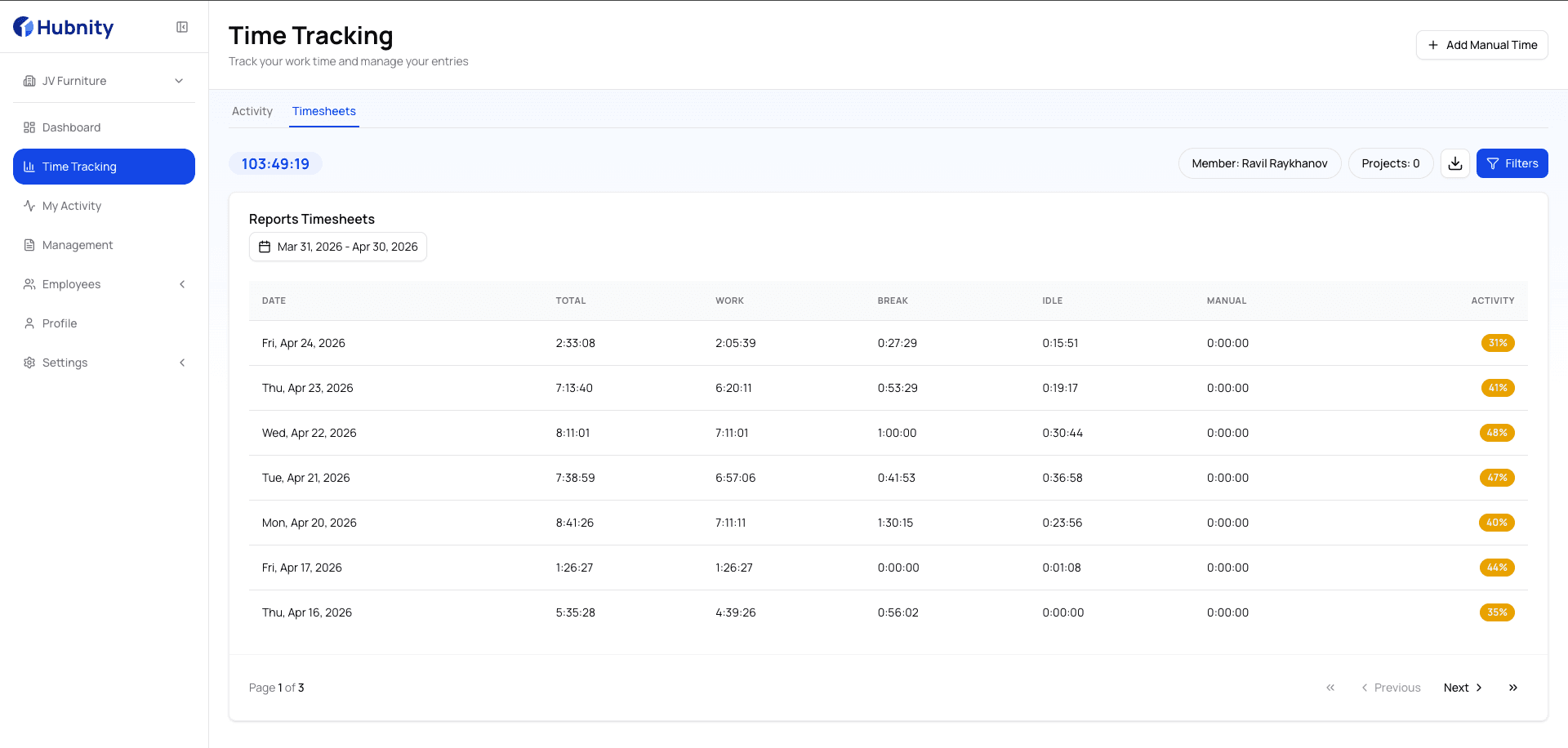
Timesheets Reports
Generate timesheets with a single click. Track hours, add notes, and export to PDF or Excel instantly.
Timesheets Reports
Generate timesheets with a single click. Track hours, add notes, and export to PDF or Excel instantly.
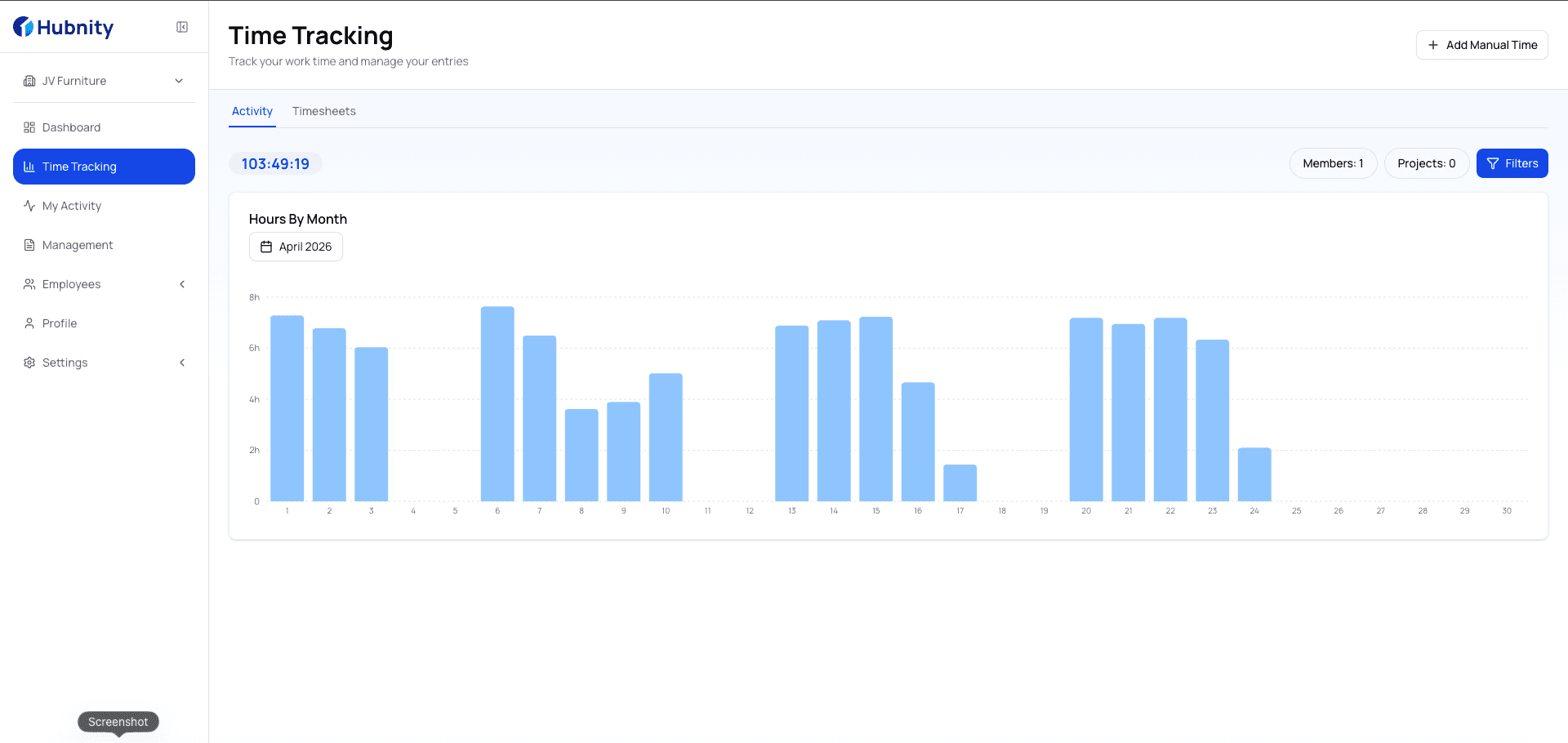
Timesheets Analytics
Track team productivity, monitor time spent on projects, and generate insightful analytics reports.
Timesheets Analytics
Track team productivity, monitor time spent on projects, and generate insightful analytics reports.
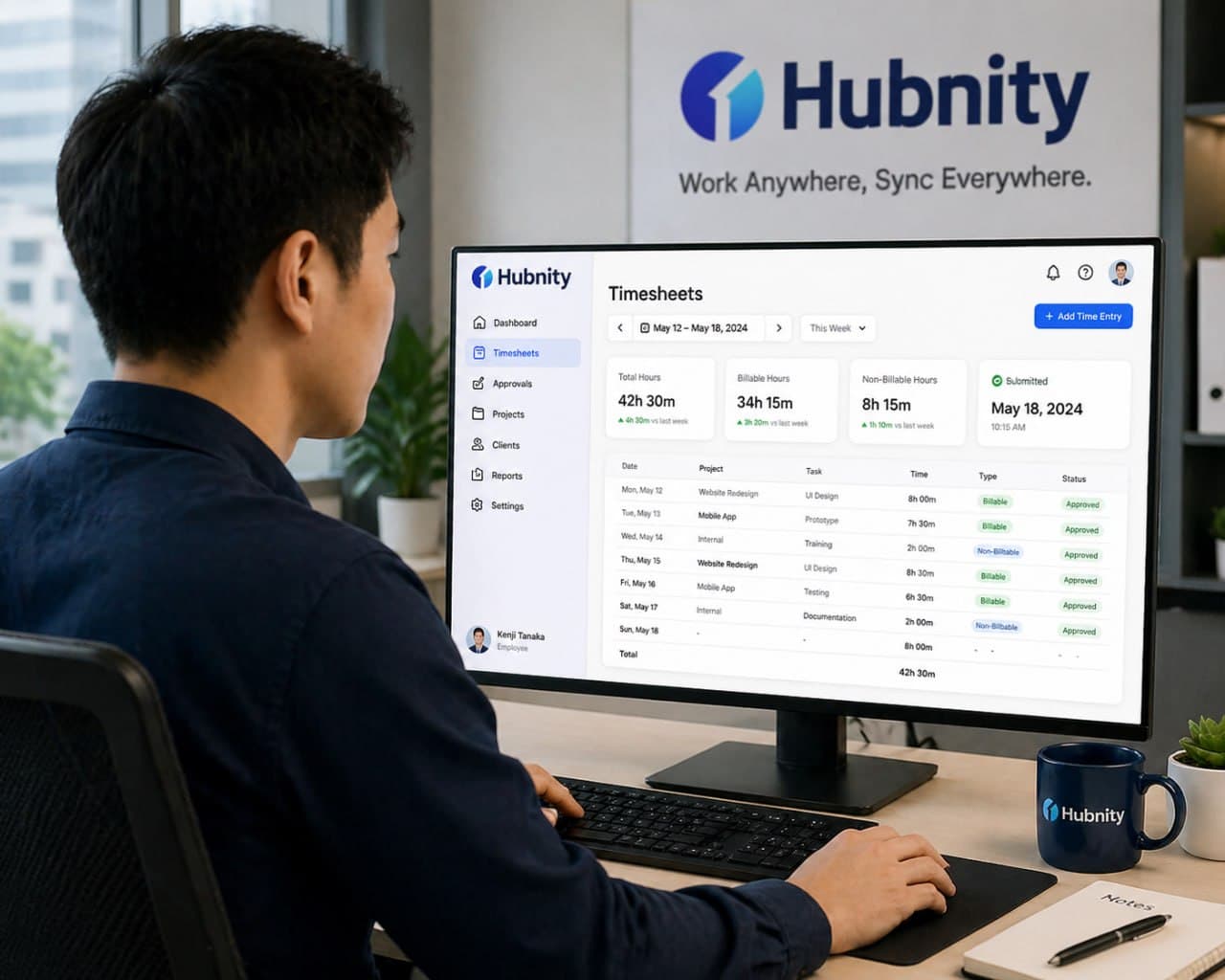
Streamlined Workflow
From install to insight
in under 60 seconds
Hubnity is designed to be invisible. No complex onboarding, no manual timers. Just pure productivity data from day one.
Install the desktop app
Download Hubnity for Mac, Windows, or Linux. Setup takes under a minute — no admin rights required.
Configure your workspace
Add your team, set tracking preferences, and choose which apps and sites to monitor. Everything is customizable.
Start tracking automatically
Once launched, Hubnity quietly captures work hours, active apps, and productivity in the background — zero clicks needed.
Review timesheets & insights
Access accurate, auto-generated timesheets. Export reports, analyze trends, and make informed decisions with real data.
Testimonials
Loved by teams that value their time
See why thousands of professionals rely on Hubnity for effortless time tracking.

“We cut our admin overhead by 12 hours a week. Timesheets just appear — accurate and ready to approve. It's honestly magic.”
Sarah Chen
Engineering Manager · CloudSync
“Before Hubnity, our billing was always off. Now every billable minute is captured automatically. Our revenue went up 18% in the first quarter.”
James Rodriguez
CEO & Founder · Nexus Digital
“The team actually trusts the data now. No more arguments about hours logged. Setup took 5 minutes and it's been running flawlessly since.”
Emily Nakamura
Head of Operations · pulse.
“I was skeptical about automated tracking, but the accuracy is incredible. It even catches context switches I would've missed manually.”
Marcus Weber
Project Lead · TECHFLOW
Frequently asked questions
Everything you need to know about automated timesheets. Can't find your answer? Reach out to our support team.